
Walli - Stunning 4K Wallpapers
Tap AIPersonalization
4.519.92K Reviews
- Version
- 2.13.3
- Installs
- 10.00M
- Age Rating
- Teen
Screenshots
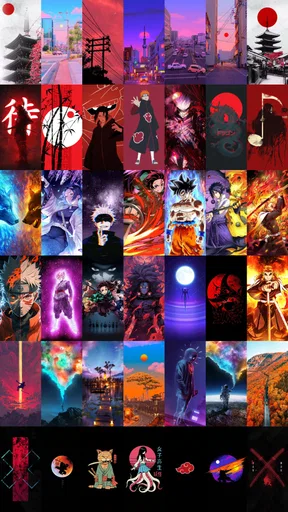
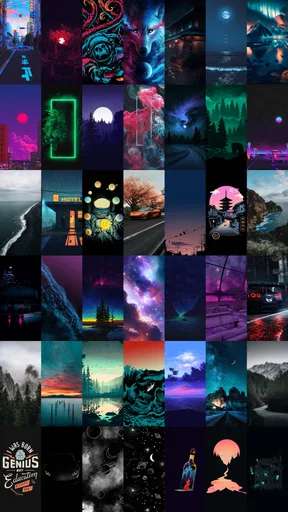
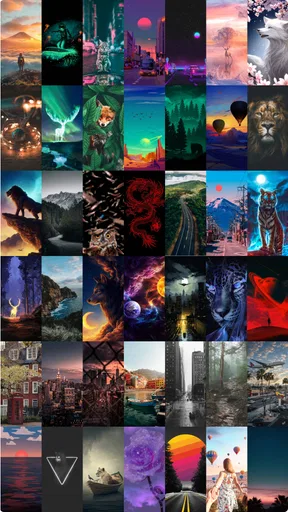
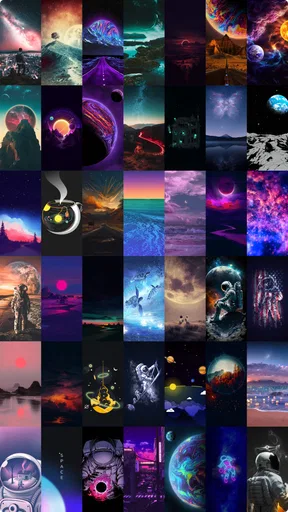
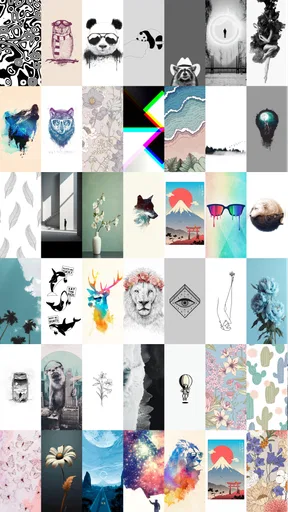
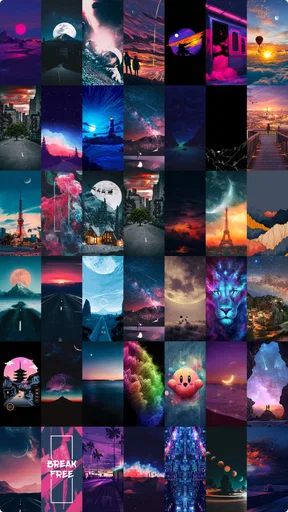
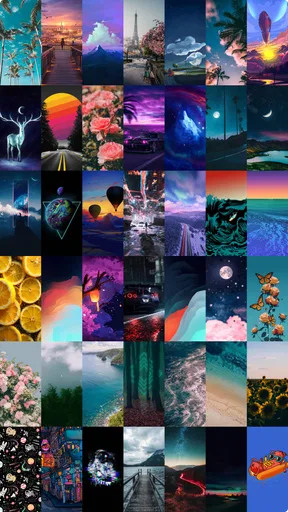
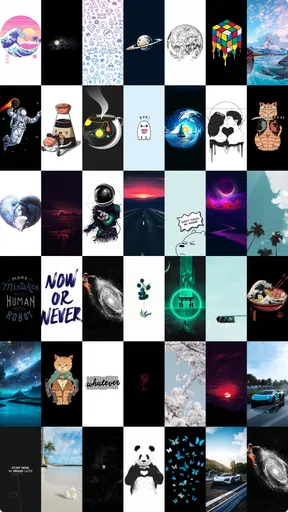
Our Review of Walli - Stunning 4K Wallpapers
 Analysis by Appyee
I judge a wallpaper app by more than how striking its preview looks. I want to find an image that suits my screen, see enough variety to make browsing worthwhile, and be able to change my mind without turning the process into a project. Walli is a personalization app from Tap AI built around artwork for phone backgrounds, and its strongest appeal is the sense that the images are presented as creative work rather than as an undifferentiated pile of downloads.
That difference matters if you change your background to match your mood, or if you spend time looking for art that feels less familiar than the options already bundled with your phone. It matters less if you only want one plain color, need a very particular image, or prefer to create every detail yourself. I’d think of Walli as a curated place to browse and choose, not as a full graphic-design tool or a substitute for a personal photo library.
What I would check before choosing a wallpaper app
My first question is whether an app helps me find the right image, not merely whether it claims to have high-resolution art. A wallpaper can look impressive on its own and still be awkward behind app icons or hard to crop to a particular screen. With Walli, I’d browse with the home screen in mind: look for a composition with some breathing room where icons sit, then preview the crop before committing to it.
I’d also consider how I like to discover images. Some people want a quick search for a color or subject; others enjoy being led through a collection and finding something they would not have searched for. Walli’s mix of browsing, search, featured selections, and artist pages gives both approaches a place. The trade-off is that discovery still takes some attention: a large choice is useful only if you are willing to spend a little time narrowing it down.
Why the artwork-led approach works
The artist connection gives the collection a more personal feel than a folder of generic backgrounds. When I find a style I like, following its creator offers a way to return to that taste instead of starting from scratch every time. That can be especially useful if you want a consistent look across your phone for a while, but still want new images from artists whose work already suits you.
Walli is free to download, with in-app purchases ranging from $0.99 to $29.99 per item. Its average rating is 4.5 from around 889,000 ratings, and it has more than 10 million installs. Those figures suggest that it has found a broad audience, but they do not tell me whether its particular art style or browsing rhythm will suit you. I’d use the app itself to decide whether its collection feels worth returning to.
A practical routine for choosing and setting an image
Here’s how I’d use it on an ordinary day: while waiting for a train, I might open the featured collection rather than scroll aimlessly through every category. If an image catches my eye, I’d check how the main subject sits in the preview and leave enough open space for the clock and icons. Then I’d try the fit and crop controls before setting it. That small pause can save the annoyance of a beautiful image becoming cluttered once it is actually on the screen.
Search is better when I already have a direction, such as a landscape mood or a particular visual style. Browsing is better when I am open to a surprise. I would not treat the daily selection as a deadline to change my background; it is more useful as a low-effort starting point. Saving a few candidates mentally or returning to an artist you follow can also make the choice feel less random when you want a coordinated look.
Where another option may suit you better
The usual alternatives fall into a few broad groups. A phone’s built-in wallpapers are convenient and simple, so they make sense if you want a quick, dependable background without another app. General image-search tools can offer a wider range of subjects, but they may take more effort to sift through and are not necessarily organized around wallpaper discovery. Photo-editing or design apps are a better fit if you want to build a background from your own pictures or control every visual element.
Walli sits between those choices: it is more art-focused than a default wallpaper picker, while keeping the task lighter than designing a full image yourself. That middle ground is its appeal, but it is also a boundary. If your priority is a very specific personal photo, a clean solid background, or detailed layout work, I would start with the phone’s own tools or a dedicated editor instead. A curated artwork collection cannot replace those different jobs.
Small trade-offs that affect everyday use
High-detail images can be a treat on a screen, but detail alone does not make a useful wallpaper. Busy patterns may compete with icons, and a subject placed near an edge can be lost when the image is fitted to a different display shape. I’d check the preview at the actual scale and favor compositions that remain readable behind the interface. If you like a striking image but find it too busy, adjusting its position or brightness—where those options are available—may help more than choosing the most elaborate design.
There is also a choice between browsing broadly and following artists. Broad browsing is good for variety, while artist-following can make later visits feel more tailored. I would not follow every creator whose work I like once; I’d reserve that for artists whose style I genuinely want to see again. Otherwise, the feed can become another stream to manage rather than a shortcut to a good background.
One practical question is whether you need an account or a paid purchase to enjoy the app. Walli is free to install, and the listed in-app items are optional purchases; the existence of those purchases does not mean you need to buy something just to explore the app. If you are considering spending, I’d first browse enough to see whether the available artwork matches your taste. The app is rated for Teen audiences, so it is not presented as a child-focused experience.
Another question is whether the newest version will work on an older device. Walli’s current version is 2.12.90 and its minimum operating-system requirement is version 9. If your phone meets that requirement, you can consider it; if not, it is worth checking compatibility before planning a switch. It was released on June 9, 2016, and the age of the app is less important to me than whether its current collection and navigation still fit the way I choose backgrounds.
Switching from another wallpaper app is not a major commitment, but I would avoid deleting a setup I already like before testing the replacement. Try Walli for a few days, compare how quickly you can find images you would actually keep, and note whether the crop controls work for your screen. If the art discovery is the part you enjoy, the change may be worthwhile. If you mostly reuse your own photos, a separate collection of artwork may add little to your routine.
Have you ever scrolled through your phone, feeling like it desperately needs a makeover? Well, that’s exactly how I felt until I stumbled upon Walli, the app that transformed my device into a canvas of stunning 4K wallpapers. Let me take you on a tour of this app, where creativity meets simplicity.
The Beauty of 4K Wallpapers
First off, let me just say that the wallpapers on Walli are nothing short of breathtaking. I’m talking vibrant colors, intricate designs, and the kind of detail that makes you want to stare at your screen all day. The app is packed with a plethora of categories, from abstract art to jaw-dropping landscapes, ensuring there’s something for everyone.
Exploring the Interface
Navigating through the app is a breeze. The interface is clean and user-friendly, which is something I truly appreciate. You can easily browse through categories or check out what’s trending. There’s also a handy search function, so if you’re feeling a bit more specific, just type in your keyword and watch the magic happen.
One feature that stood out to me is the "Featured" section. Here, you’ll find handpicked wallpapers by the app’s curators, and trust me, these guys have an eye for beauty. It’s like having a personal stylist for your phone’s background.
The Artists Behind the Art
What makes Walli special is its connection to the artists. This isn’t just a random collection of wallpapers; each piece is created by talented artists from around the globe. The app gives these creators a platform to showcase their work, and as a user, I feel good knowing I’m supporting real talent.
You can even follow your favorite artists and get notified whenever they release new designs. It’s a cool way to keep your phone’s look fresh and support these amazing creators at the same time.
Customization at Your Fingertips
One of the features I absolutely adore is the ability to customize. You’re not just limited to setting a wallpaper; you can adjust it to fit your screen perfectly. Pinch, zoom, or rotate—whatever it takes to make it look just right.
And if you’re feeling a bit artistic, the app also allows you to edit wallpapers. Add a filter, adjust the brightness, or even combine different wallpapers to create something unique. The customization options are nearly endless.
Keeping It Fresh
Let’s talk about updates. Walli regularly updates its collection, so you’re always spoilt for choice. I love waking up to find fresh designs that add a new vibe to my phone. It’s like having a new wardrobe for my device every week.
The "Wall of the Day" feature is another gem. It showcases a new wallpaper daily, giving you the chance to switch things up regularly without spending hours searching. It’s a small touch, but one that keeps the app exciting.
Why Walli Stands Out
In a world full of wallpaper apps, Walli really does stand out. It’s not just about pretty pictures; it’s about the experience. From supporting artists to offering top-notch customization, the app transforms something as simple as wallpapers into a form of self-expression.
Whether you’re an art lover or just someone who wants their phone to look as stylish as they do, this app is a must-have. The combination of high-quality 4K images and a seamless user experience makes it a winner in my book.
So if you’re ready to give your phone the upgrade it deserves, go ahead and download Walli. Who knew changing your wallpaper could be this much fun?
My recommendation for the right kind of wallpaper user
I’d recommend Walli most to someone who treats a phone background as a small but regular part of personal style. It suits people who enjoy illustration, art-led imagery, and browsing a selection rather than settling for whatever happens to be preinstalled. It is also a good match if you like finding a creator whose work clicks with you and revisiting that style later.
I’d be more cautious if you rarely change your wallpaper or already have a carefully organized set of personal photos. In that case, the extra browsing may not improve your day-to-day use. I’d also skip it if your main goal is a plain, distraction-free screen or precise graphic composition. Walli makes choosing artwork more engaging; it does not turn every wallpaper task into the same kind of experience.
Final thoughts before you install
For me, the best reason to try Walli is the combination of artwork discovery and a straightforward path from browsing to setting a background. Its artist-focused feel gives it character, while search and featured choices help when I do not want to scroll without a plan. The main decision is whether you enjoy selecting from art made for this purpose or would rather use your own images and tools.
If you are curious, start with a category or featured image, test the crop on your actual screen, and see whether you want to return for more. That is a more useful test than judging the app by one impressive preview. I’d keep it installed if I found several artists or styles I genuinely wanted to revisit; otherwise, the built-in wallpaper options may be enough. My recommendation is simple: try it if discovering fresh artwork is part of the fun for you, and choose a more direct tool if all you need is a background that stays out of the way.
Verdict
Strengths of Walli - Stunning 4K Wallpapers
- Diverse collection of 4K wallpapers.
- User-friendly interface and navigation.
- Regular updates with new content.
- Option to download and share images.
- No intrusive ads while browsing.
Limitations of Walli - Stunning 4K Wallpapers
- Limited free features without premium.
- Certain categories lack variety.
- Occasional app crashes reported.
- Requires internet for full access.
- No customization for certain devices.
Other Releases by Tap AI
View All
PDF Scanner app - TapScanner
Business4.5

PhotoBoost - AI Photo Enhancer
Photography4.6

ViewCaller: Caller ID & Block
Communication4.3
Similar Picks in This Category
View All
Microsoft SwiftKey AI Keyboard
SwiftKey4.3

Wallpapers
Google LLC4.1

Zedge™ Wallpapers & Ringtones
Zedge4.7

Yandex Browser with Alice AI
Direct Cursus Computer Systems Trading LLC4.3

Ringtone Maker:create ringtone
Big Bang Inc.4.7

Fonts Keyboard
Fonts Keyboard3.9
Frequently Asked Questions
What is Walli and how does it enhance my device?
Walli is a wallpaper app that provides a vast collection of stunning 4K wallpapers created by talented artists worldwide. It enhances your device by offering high-quality, unique backgrounds that can be customized to fit your style, making your phone or tablet stand out with vibrant and expressive visuals.
Is Walli free to use or does it require a subscription?
Walli is free to download and use, offering a wide selection of wallpapers at no cost. However, it also includes premium features that can be accessed through optional in-app purchases or a subscription. These features provide exclusive content and an ad-free experience, enhancing user satisfaction.
How does Walli support artists, and can users contribute?
Walli supports artists by sharing a portion of the revenue generated from the app with them. This encourages creativity and helps artists gain exposure. Users can contribute by engaging with the app's content, purchasing premium features, or sharing wallpapers, which in turn supports the artists financially and promotes their work.
Does Walli offer any customization features for wallpapers?
Yes, Walli offers several customization features that allow users to tailor wallpapers to their specific preferences. Users can adjust the size and orientation of wallpapers to fit their screens perfectly. Additionally, the app may include options for creating playlists or rotating wallpapers automatically, adding a dynamic touch to your device.
Is Walli compatible with both Android and iOS devices?
Walli is designed to be compatible with both Android and iOS devices, ensuring a seamless experience across platforms. Users can download the app from the Google Play Store for Android devices or the Apple App Store for iOS devices, allowing everyone to enjoy its extensive collection of high-quality wallpapers.
